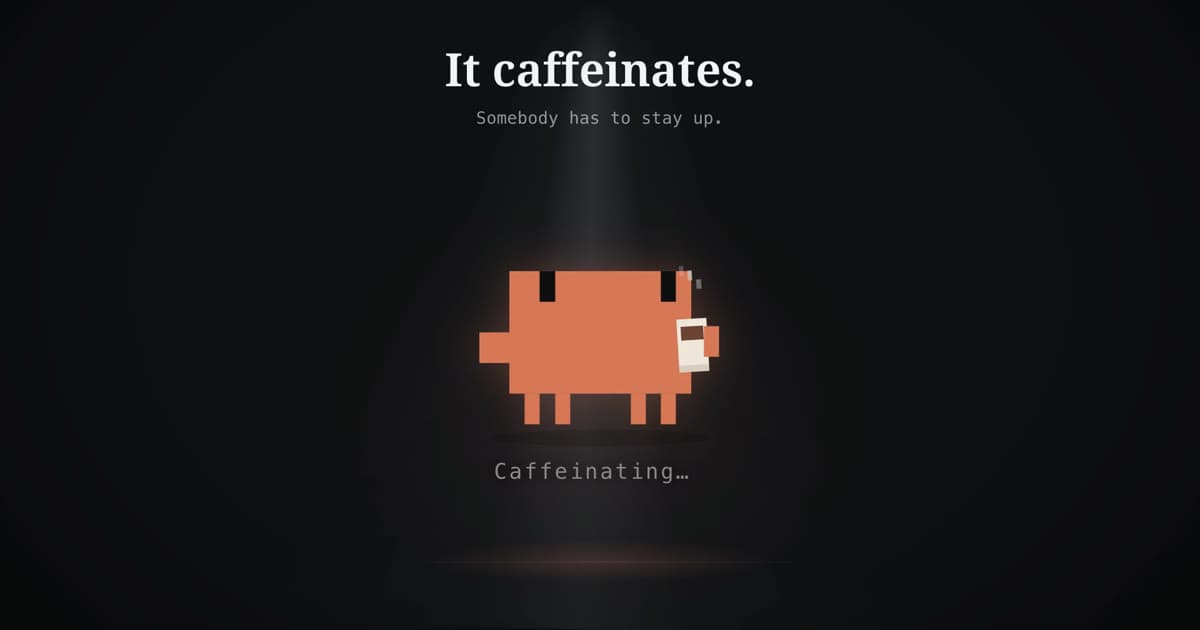
A few weekends ago I was tokenmaxxing: burning through what was left of my weekly Claude usage before the reset, because letting tokens expire feels like leaving food on the plate. I also wanted an excuse to test how Fable handles design work and product videos. So I built Mascot.
Mascot is a tiny macOS menu bar app that keeps your Mac awake. That's it. That's the app.
I run agents in long sessions on my personal Mac, often several in parallel, and the machine kept dozing off in the middle of them. There are plenty of keep-awake utilities out there already, and macOS has settings for this. None of them come with a little pixel companion that drinks coffee on your desktop, so here we are.
You pick your mascot: Clawd, a pixel version of the Claude Code mascot; Codex, a gradient cloud; or Cube, inspired by Cursor. Drag it anywhere on screen so it stays out of your way. It blinks, breathes, follows your cursor, takes the occasional coffee break, and judges your tabs through rotating status messages (there are over 250 of them). Clicks pass right through it, so it never blocks whatever you're actually doing.
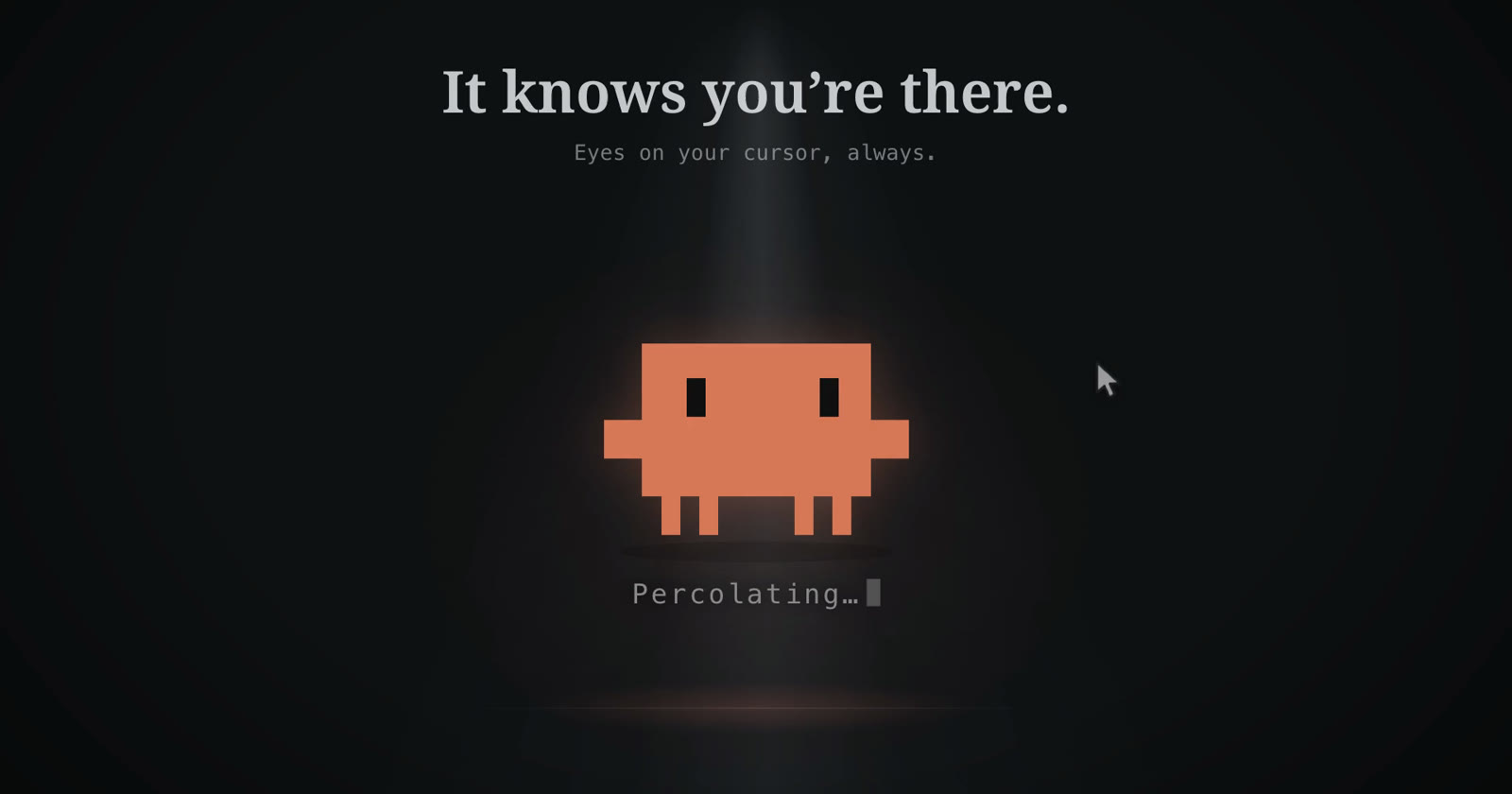
It knows you're there. Eyes on your cursor, always.
Under the hood it does the keep-awake part properly, using macOS power assertions instead of wiggling your mouse around. No dependencies, no network access. And yes, it is technically the opposite of a screensaver.
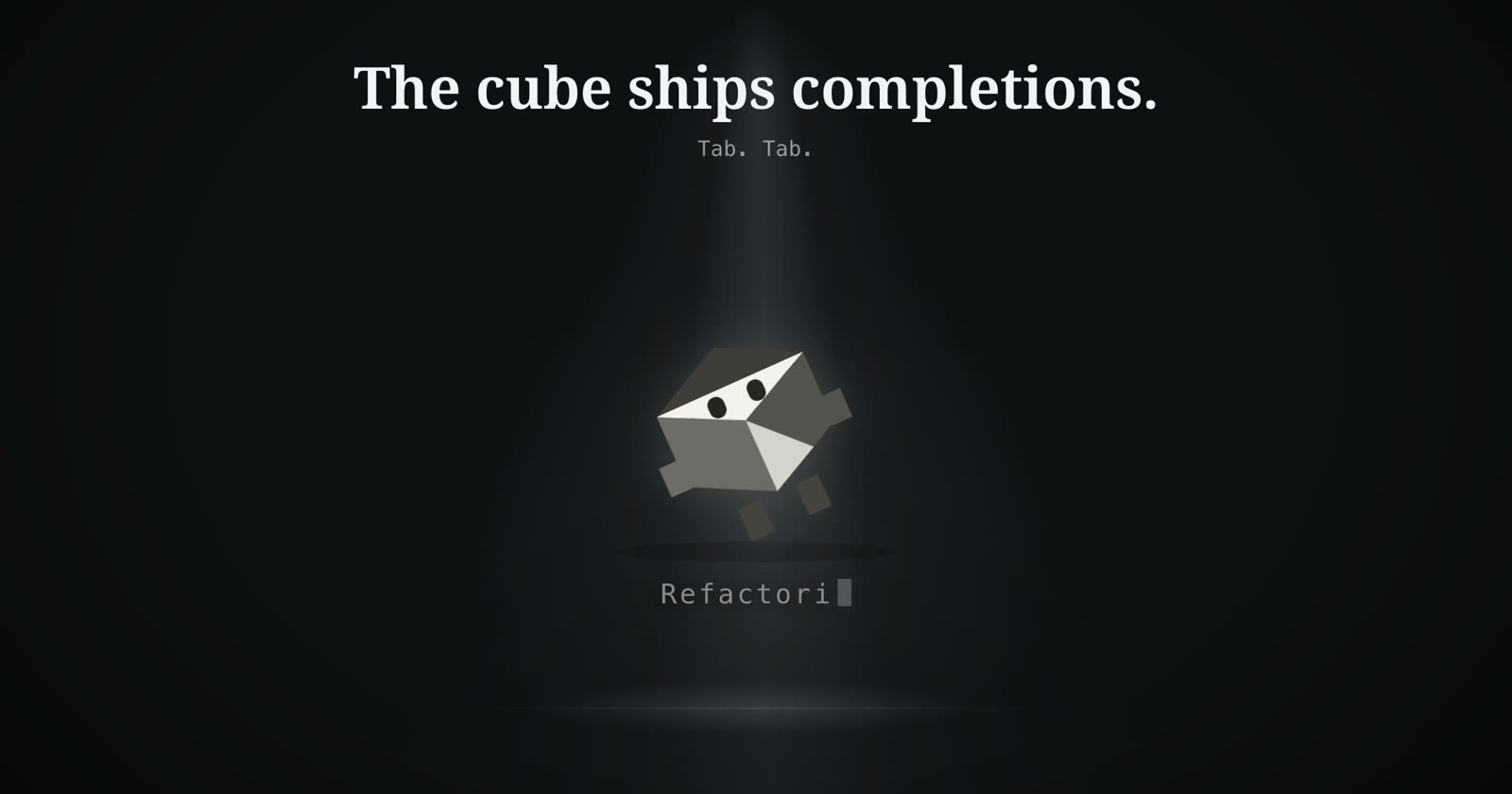
The cube ships completions. Tab. Tab.
Free and open source, macOS 12 or later:
brew install --cask maulmota/tap/mascot
Or grab it from GitHub.